Solutions · KNX
1Home for KNX: open your installation to apps and voice
A 1Home gateway reads your ETS project, derives the list of controllable objects and republishes it to an app, to voice assistants and to Matter. The KNX bus itself is untouched: no actuator is replaced, no group address is rewritten.
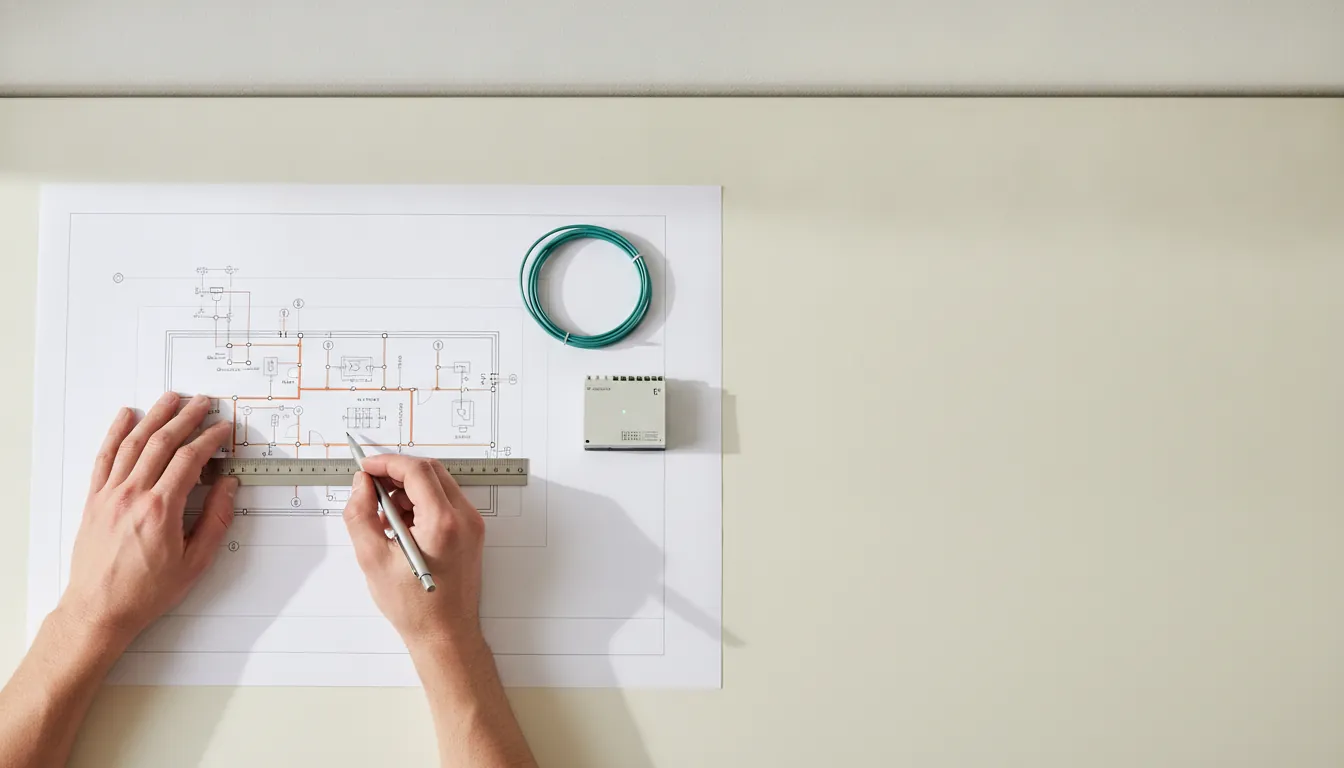
KNX is a standardised open protocol (ISO/IEC 14543-3): dozens of manufacturers build actuators, sensors and switches that speak the same language on a twisted-pair bus. That is its strength — and its consumer-facing limit: without an extra layer, a KNX installation cannot be driven from a phone or by voice.
That is exactly the gap a gateway fills. It does not replace the KNX logic; it exposes it. Your installation keeps working identically with the gateway unplugged — the test to run before any commissioning.
01What 1Home adds to a KNX installation
Four uses cover most of the requests we receive, in this order of frequency.
- Visualisation: an app showing your rooms, lights, blinds and heating setpoints, without a proprietary wall panel.
- Voice control: the assistant receives the command, the gateway translates it into a KNX telegram.
- Remote access: seeing and acting from outside without opening a port on the router.
- Matter exposure: making the installation visible to any compatible controller, including ones you have not bought yet.
02Prerequisites: ETS project, group addresses, IP interface
A KNX gateway guesses nothing. It needs to know which group address controls what, and it needs IP access to the bus.
- The ETS project file (.knxproj), or at minimum a readable export of the group addresses.
- A KNX IP interface or router in the board — the network entry point to the bus.
- A stable local network with a fixed address or DHCP reservation for the gateway.
03Which product for which installation size
The range reads on two axes: capacity (how many objects to control) and operating mode (one house, or a fleet of installations to administer).
| Installation profile | Reference to consider | Capacity |
|---|---|---|
| Apartment or small house | 1Home IoT Gateway | Depends — ask us |
| Complete single-family house | 1Home Server KNX Pro | Depends — ask us |
| Managed fleet, multi-dwelling | 1Home System Manager | Depends — ask us |
04What 1Home does not do
Stating the limits is part of the advice. A badly sold gateway produces a disappointing installation and a customer who does not come back.
- It does not replace KNX programming: a function absent from the ETS project will not appear in the app.
- It does not fix poor naming: « Actuator 3 channel 2 » stays that way until the ETS project is revisited.
- It does not expose everything: some very specific KNX functions have no equivalent among the device types recognised by Apple Home, Google Home or Matter.
- It does not make the installation independent from the internet: local control continues, voice and remote access need a connection.
Frequently asked questions
Do I need to reprogram the KNX installation with ETS?
Not in the general case: the gateway imports the existing project and works with the group addresses as they are. ETS work is only needed when naming is unusable or when functions are missing from the original project.
How many group addresses are supported?
Capacity depends on the chosen reference. We publish no figure until it is taken from official documentation: tell us the size of your ETS project and we confirm the right reference.
Can I keep my existing KNX switches and panels?
Yes. The gateway is added, it replaces nothing. Wall controls keep working exactly as before, including when the gateway is powered off.